editor
Auto image from text
Auto image from text automatically finds and inserts a relevant stock photo based on text content in your template. When you modify the text, the image updates to match — no manual image selection needed.
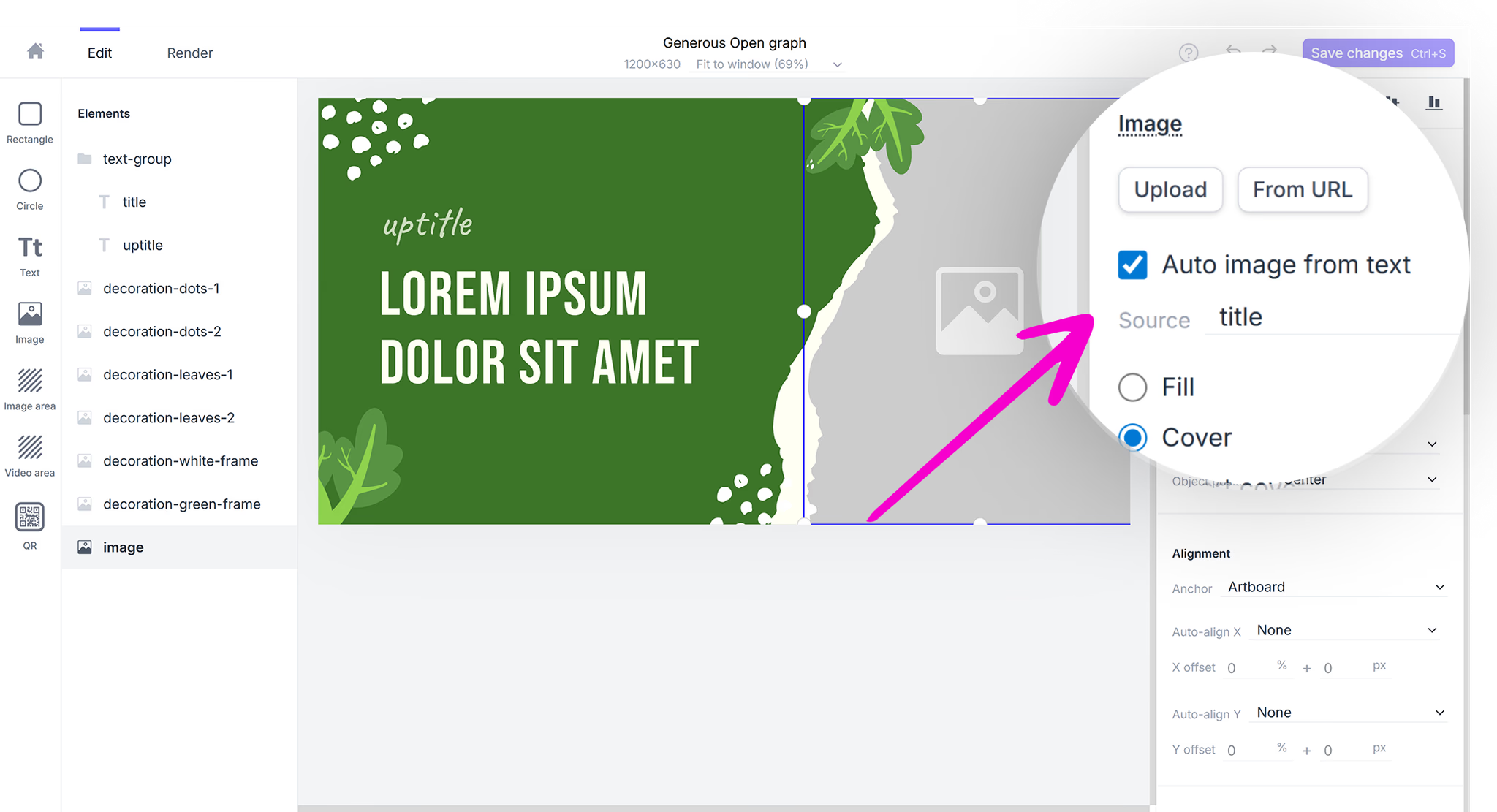
How to enable auto image from text
Auto image from text is available for all image elements in the Robolly editor. To enable it, select your image element and check the Auto image from text option in the right panel. Then select the text element to use as the image source.
How it works
When auto image is enabled, Robolly searches stock photo libraries (Pexels and Unsplash) using the linked text content as a search query. The best matching photo is automatically inserted into your image element, cropped to fit.
You can link the image to:
- The image element itself — pass search terms directly via the image modification
- Any text element — the text content becomes the search query